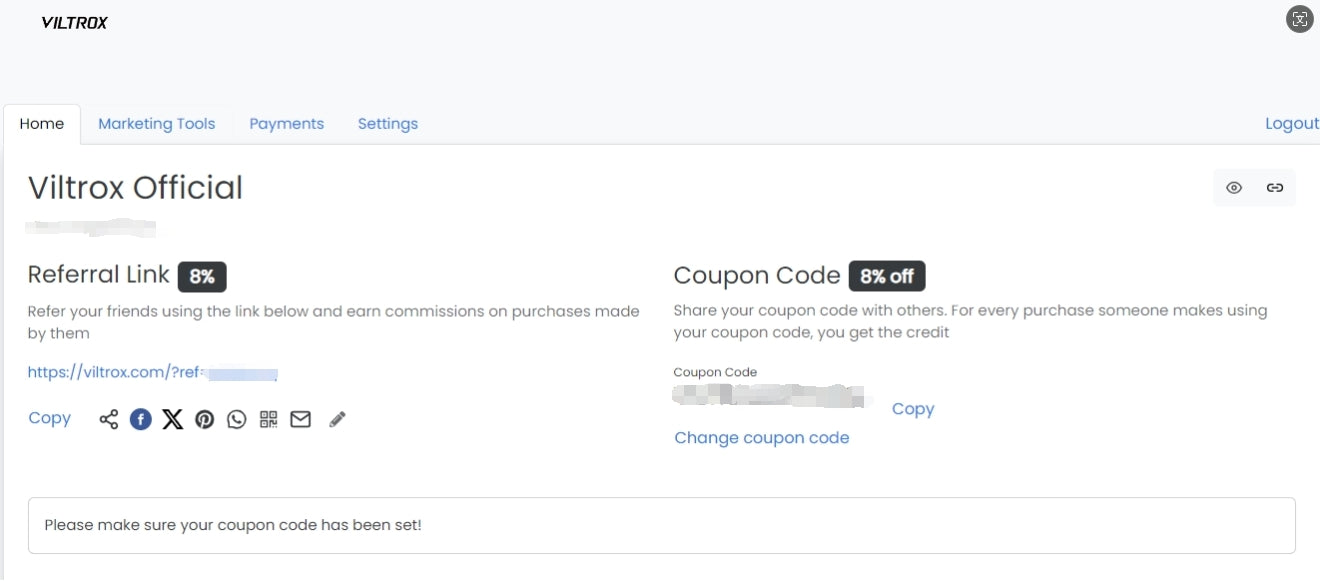
On the Profile page, you can customize and update your personal details to manage your Viltrox account and referral program. Here’s how to complete your profile setup:
-
Upload a Profile Photo: Click "Choose File" to upload a profile picture from your device. This will help personalize your profile.
-
Edit Your Name: Enter your full name in the "Your Name" field to ensure your account reflects the correct information.
-
Add Contact Information: Update your phone number in the Phone field to stay connected.
-
Link Your Social Media: Add links to your social media profiles, including:
-
Website: Enter your website link if you have one.
-
Instagram: Input your Instagram handle.
-
Twitter: Add your Twitter handle.
-
YouTube: Enter your YouTube channel URL.
-
Facebook: Add your Facebook profile link.
-
Customize Your Referral Code: You can personalize your referral code by editing the Referral Code section. This will customize your referral link (e.g., https://viltrox.com/?ref=xxxxxx).
Once you’ve made all the changes, your profile will be updated and ready to use for referral activities and communications.